

















































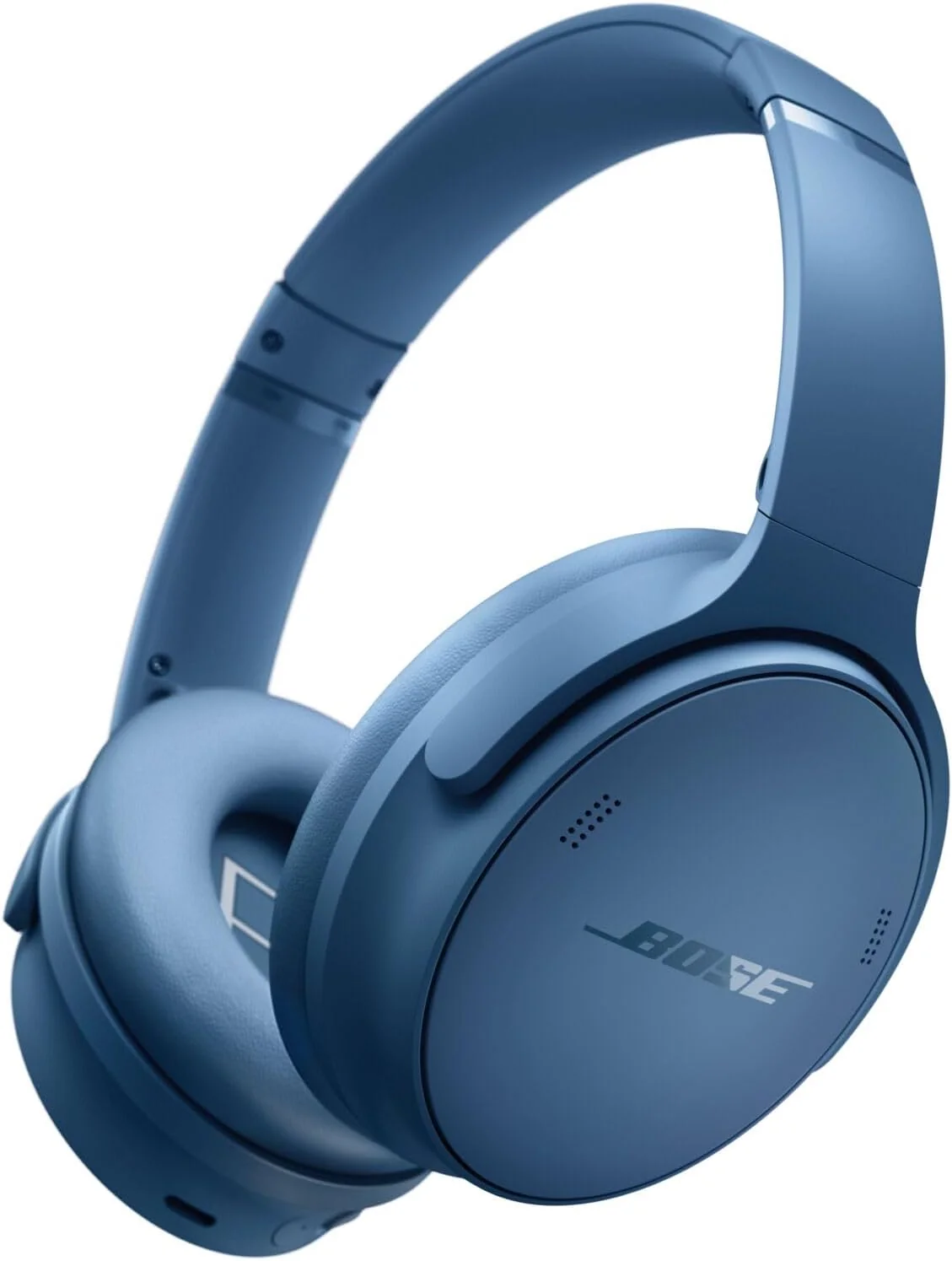

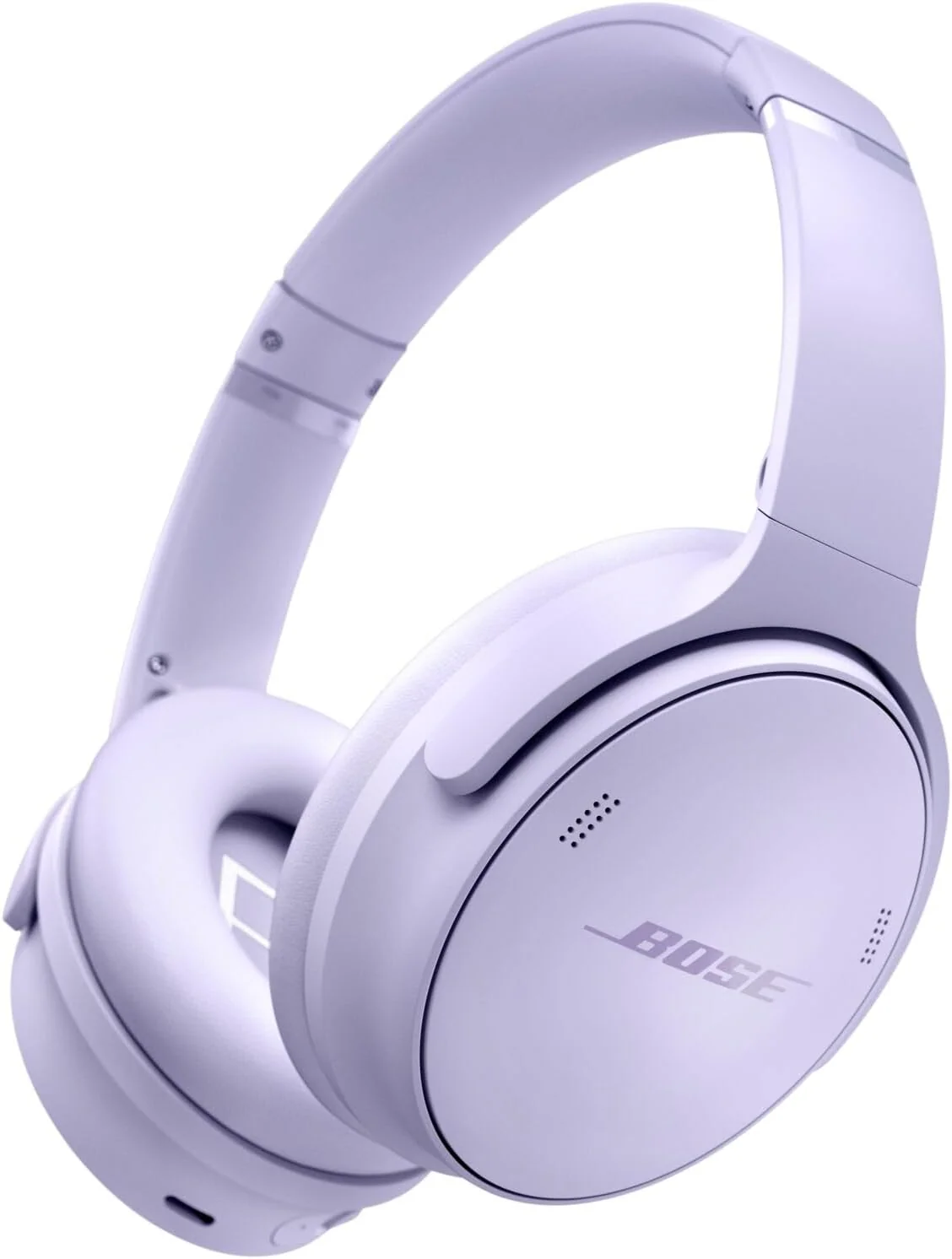
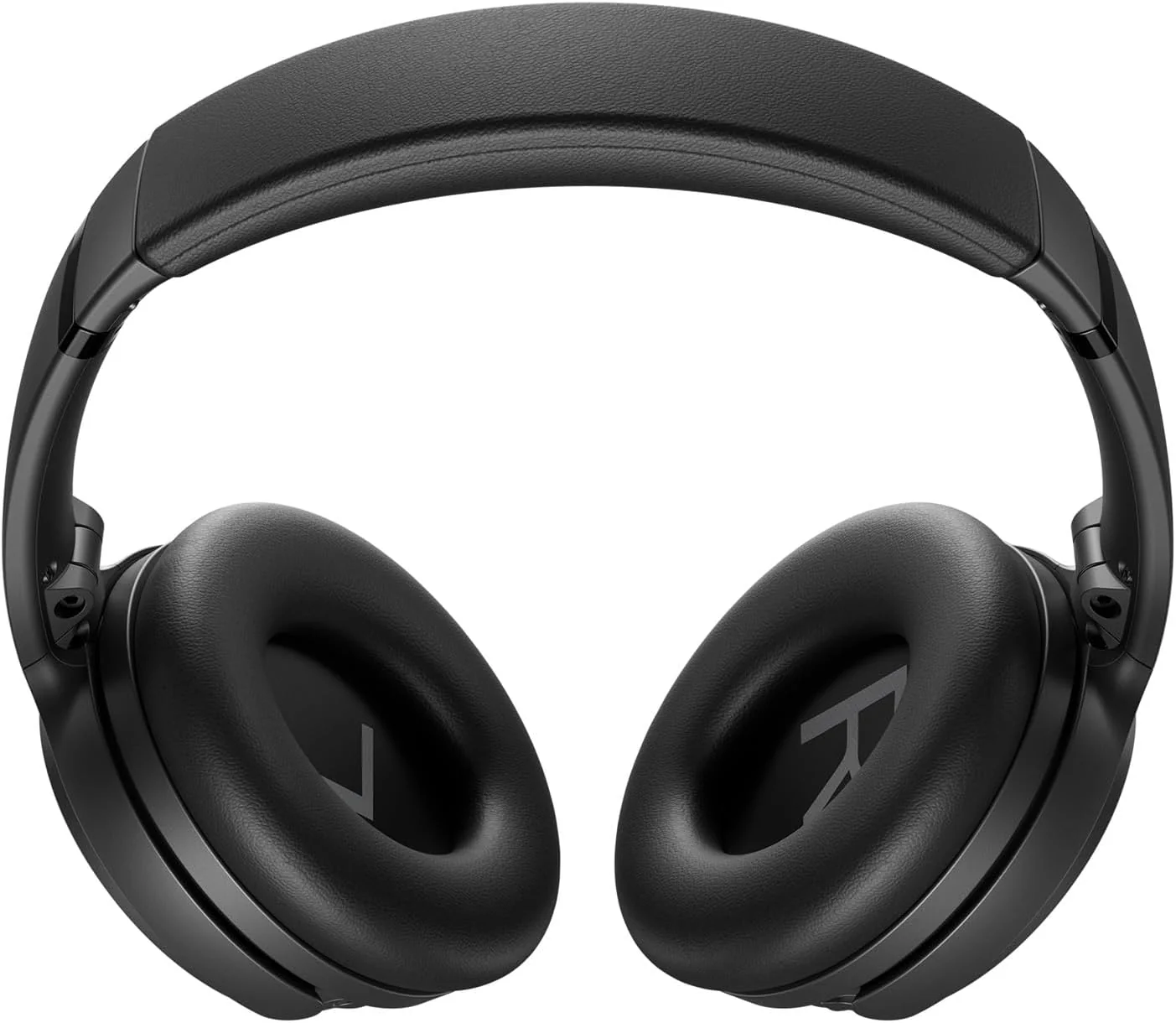
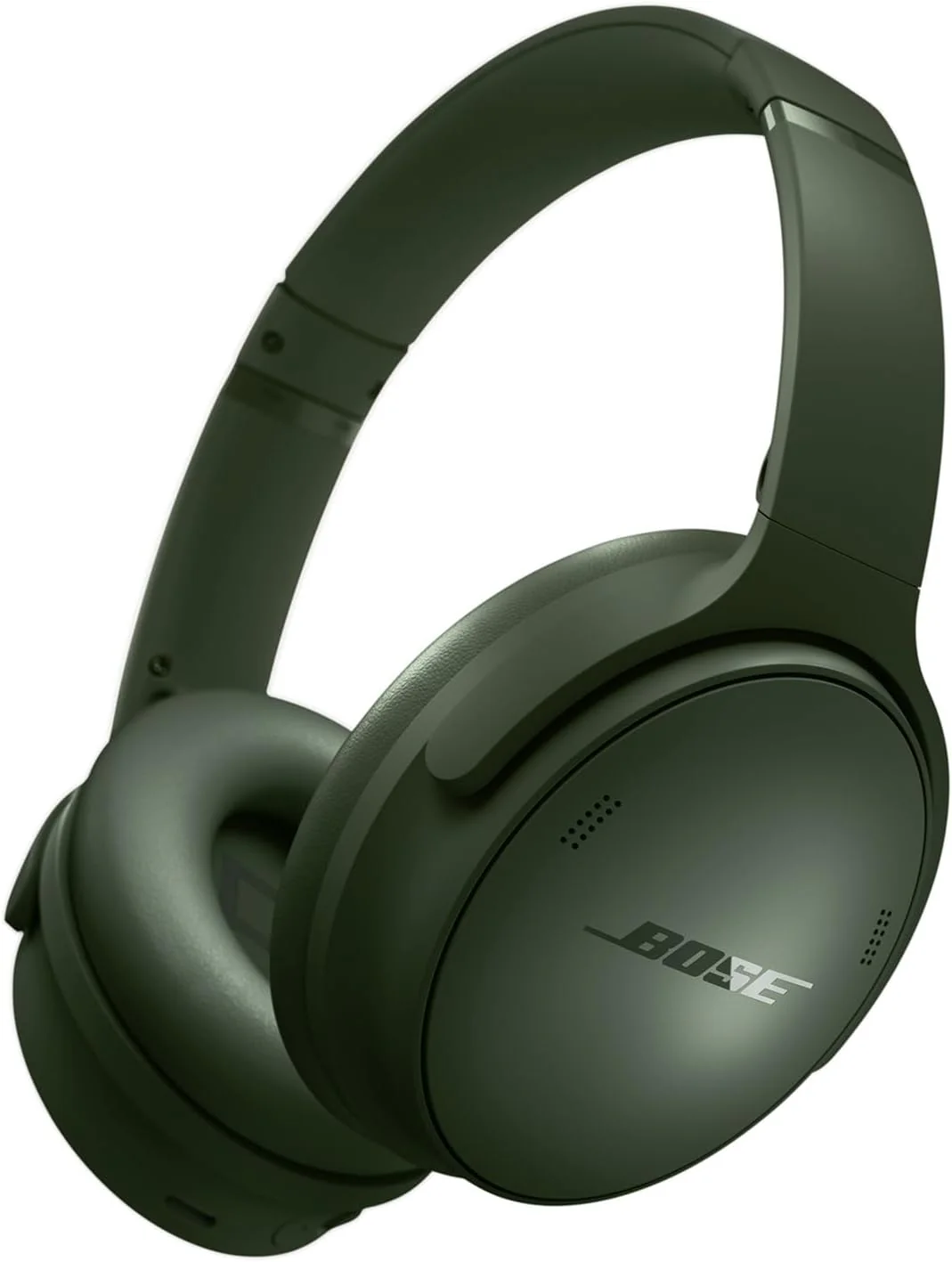
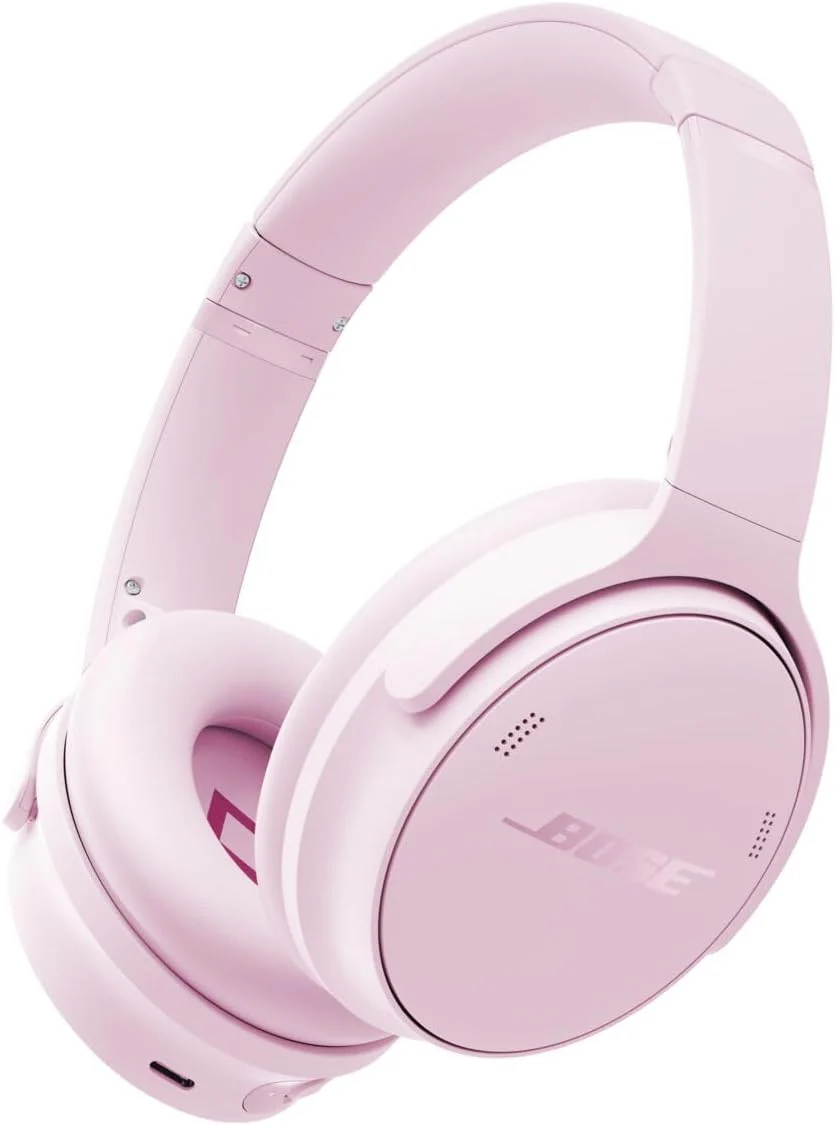
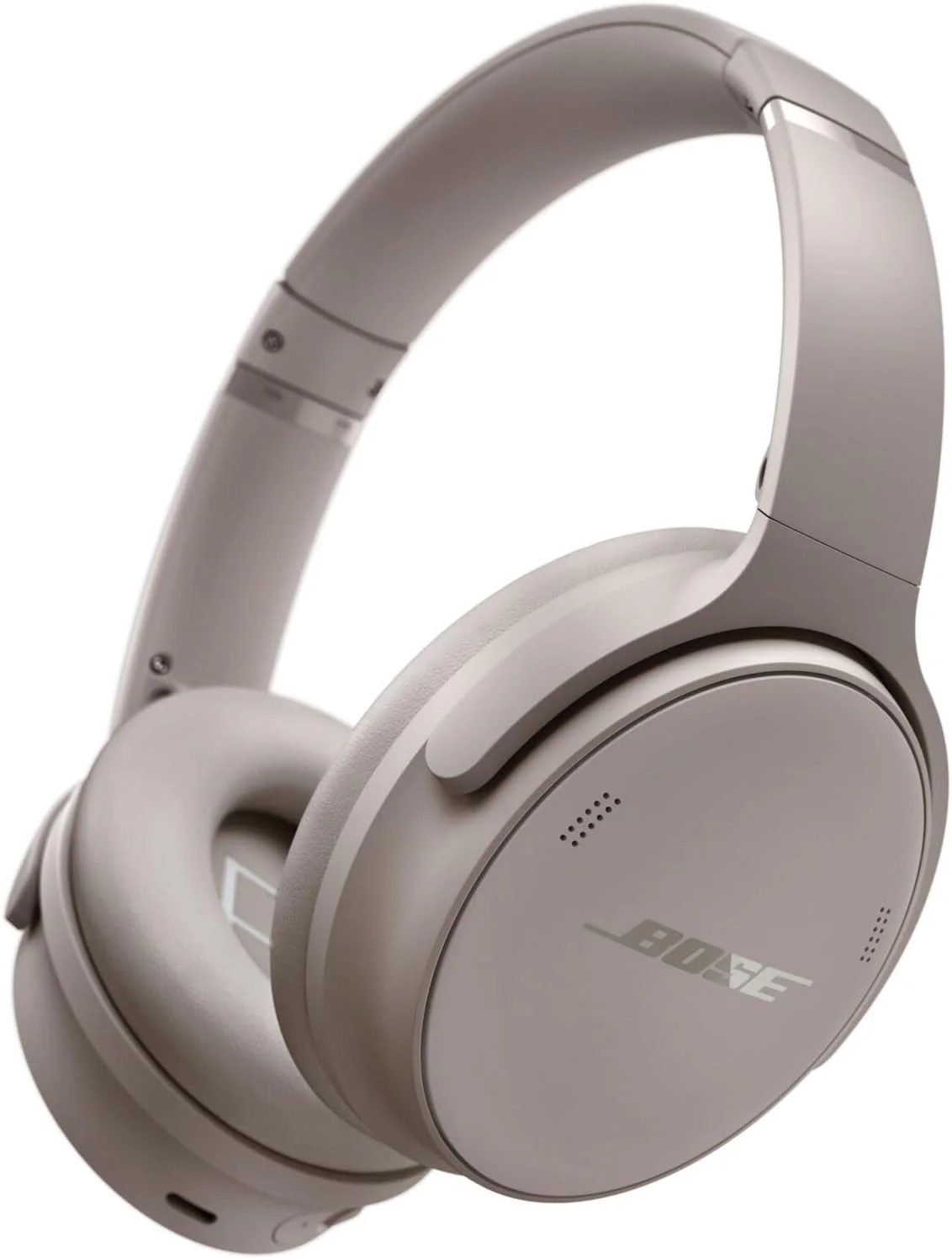
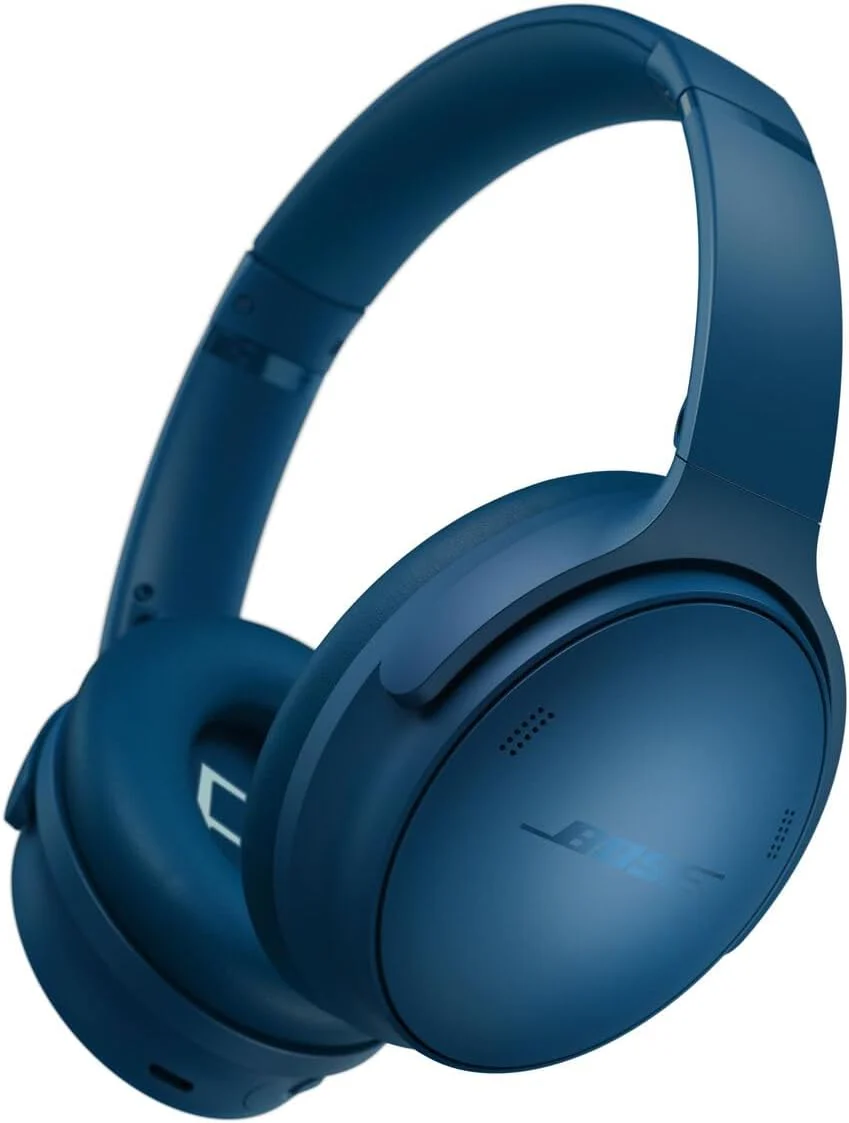
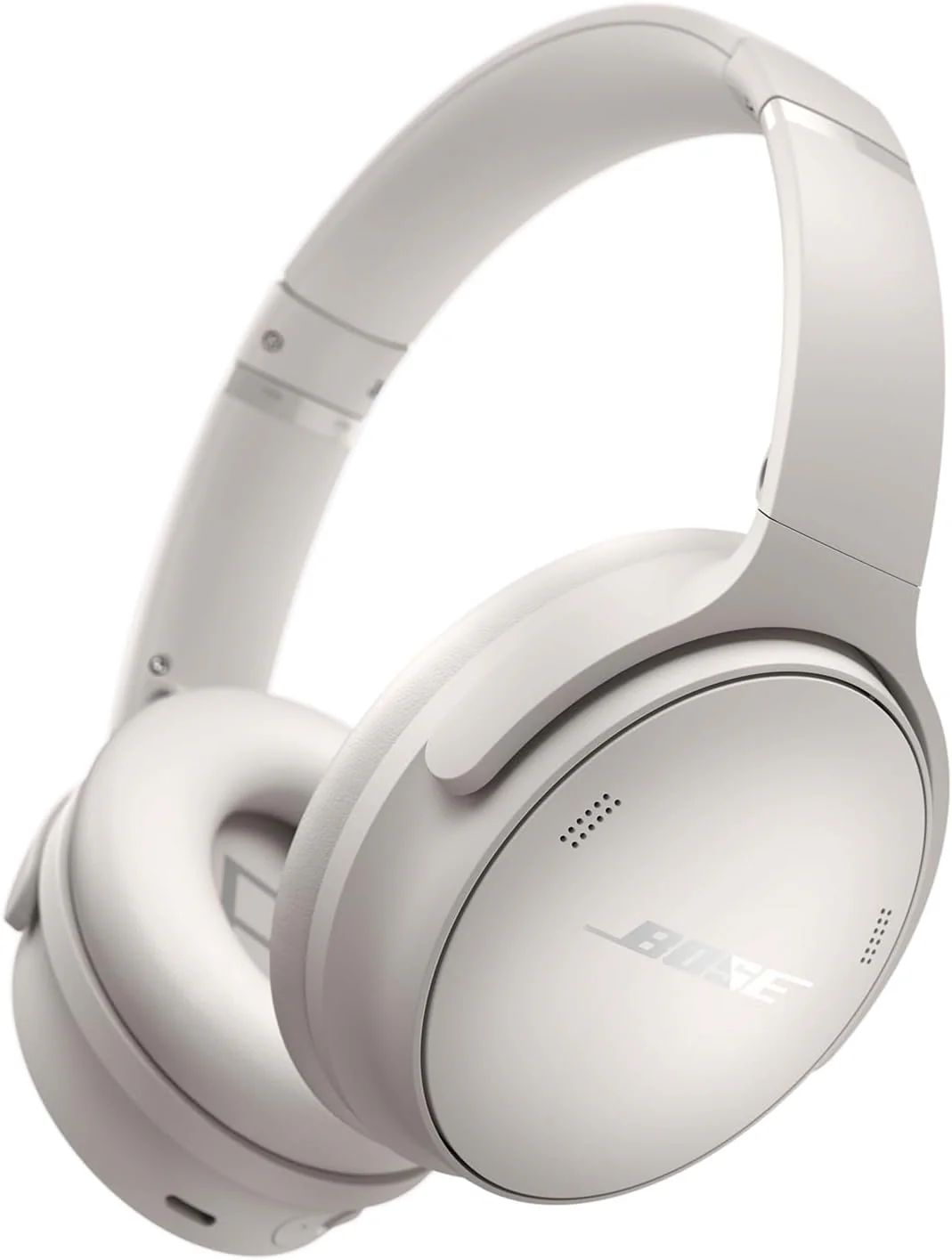
Home / 🔥Hot Products / Bose QuietComfort Headphones - Wireless Bluetooth Headphones, Active Over Ear Noise Cancelling and Mic, USB-C Charging, Deep Bass, Up to 24 Hours of Playtime, Black
  • Bose QuietComfort Headphones - Wireless Bluetooth Headphones, Active Over Ear Noise Cancelling and Mic, USB-C Charging, Deep Bass, Up to 24 Hours of Playtime, Black
  • Bose QuietComfort Headphones - Wireless Bluetooth Headphones, Active Over Ear Noise Cancelling and Mic, USB-C Charging, Deep Bass, Up to 24 Hours of Playtime, Black
  • Bose QuietComfort Headphones - Wireless Bluetooth Headphones, Active Over Ear Noise Cancelling and Mic, USB-C Charging, Deep Bass, Up to 24 Hours of Playtime, Black
  • Bose QuietComfort Headphones - Wireless Bluetooth Headphones, Active Over Ear Noise Cancelling and Mic, USB-C Charging, Deep Bass, Up to 24 Hours of Playtime, Black
  • Bose QuietComfort Headphones - Wireless Bluetooth Headphones, Active Over Ear Noise Cancelling and Mic, USB-C Charging, Deep Bass, Up to 24 Hours of Playtime, Black
  • Bose QuietComfort Headphones - Wireless Bluetooth Headphones, Active Over Ear Noise Cancelling and Mic, USB-C Charging, Deep Bass, Up to 24 Hours of Playtime, Black
  • Bose QuietComfort Headphones - Wireless Bluetooth Headphones, Active Over Ear Noise Cancelling and Mic, USB-C Charging, Deep Bass, Up to 24 Hours of Playtime, Black
  • Bose QuietComfort Headphones - Wireless Bluetooth Headphones, Active Over Ear Noise Cancelling and Mic, USB-C Charging, Deep Bass, Up to 24 Hours of Playtime, Black
  • Bose QuietComfort Headphones - Wireless Bluetooth Headphones, Active Over Ear Noise Cancelling and Mic, USB-C Charging, Deep Bass, Up to 24 Hours of Playtime, Black
  • Bose QuietComfort Headphones - Wireless Bluetooth Headphones, Active Over Ear Noise Cancelling and Mic, USB-C Charging, Deep Bass, Up to 24 Hours of Playtime, Black
  • Bose QuietComfort Headphones - Wireless Bluetooth Headphones, Active Over Ear Noise Cancelling and Mic, USB-C Charging, Deep Bass, Up to 24 Hours of Playtime, Black
  • Bose QuietComfort Headphones - Wireless Bluetooth Headphones, Active Over Ear Noise Cancelling and Mic, USB-C Charging, Deep Bass, Up to 24 Hours of Playtime, Black
  • Bose QuietComfort Headphones - Wireless Bluetooth Headphones, Active Over Ear Noise Cancelling and Mic, USB-C Charging, Deep Bass, Up to 24 Hours of Playtime, Black
  • Bose QuietComfort Headphones - Wireless Bluetooth Headphones, Active Over Ear Noise Cancelling and Mic, USB-C Charging, Deep Bass, Up to 24 Hours of Playtime, Black
  • Bose QuietComfort Headphones - Wireless Bluetooth Headphones, Active Over Ear Noise Cancelling and Mic, USB-C Charging, Deep Bass, Up to 24 Hours of Playtime, Black
  • Bose QuietComfort Headphones - Wireless Bluetooth Headphones, Active Over Ear Noise Cancelling and Mic, USB-C Charging, Deep Bass, Up to 24 Hours of Playtime, Black

Bose QuietComfort Headphones - Wireless Bluetooth Headphones, Active Over Ear Noise Cancelling and Mic, USB-C Charging, Deep Bass, Up to 24 Hours of Playtime, Black

Quantity
ADD TO CART
BUY IT NOW
  • Detail

    From the manufacturer

    QCH
     
     
    The video showcases the product in use.The video guides you through product setup.The video compares multiple products.The video shows the product being unpacked.
     

    Bose QuietComfort Headphones

    Merchant Video
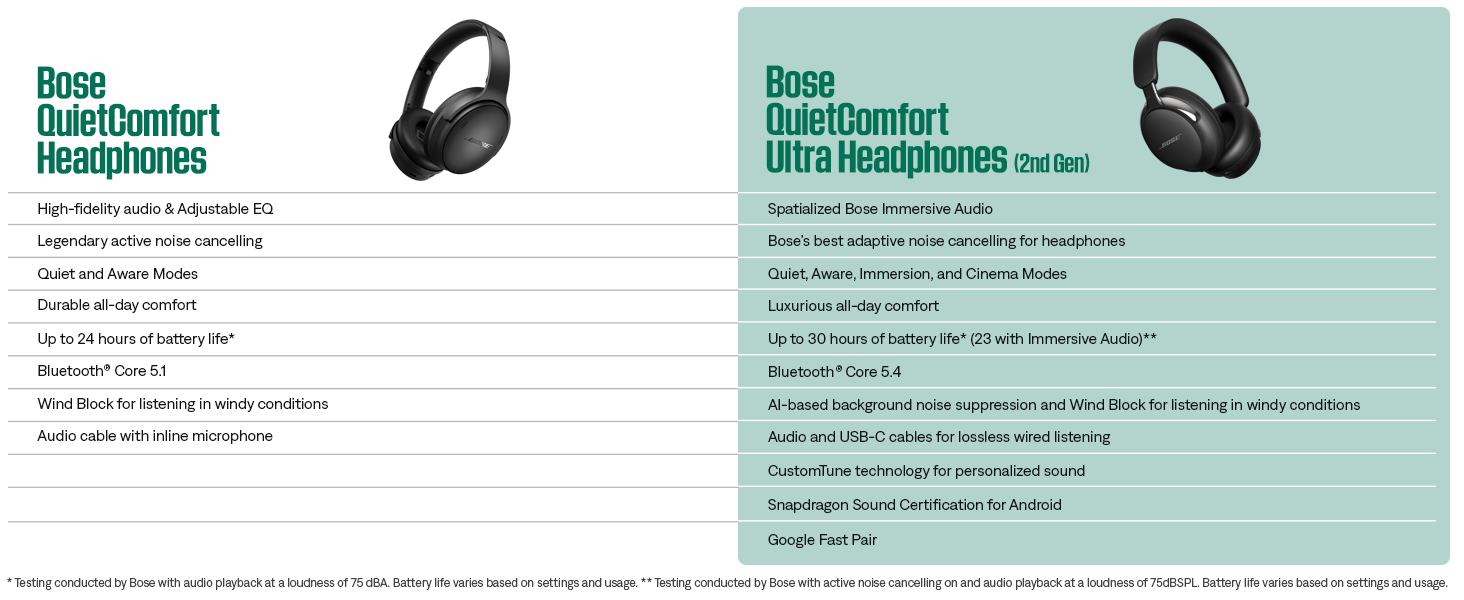
     
    Product compare
     
    • Download and install the free Bose app from your mobile device's app store. The Bose app lets you set up and control your product from any mobile device, such as a smartphone or tablet.

    • 1. Ensure Bluetooth is enabled on your device

      2. Slide the Power/Bluetooth switch to the right and hold for 3 seconds until you hear “Ready to connect” and the status light blinks blue.

      3. Select your headphones from the list of available devices

    • To update your product, you can either connect it to a computer with a USB cable and then visit the Bose update site or you can update it wirelessly from the free Bose app on an Android or iOS device.

    • 1. Connect the USB-C port to the left earcup

      2. Slide the Power/Bluetooth switch to the right. At the same time, connect the other end into a USB-A power source. When the reset is complete, the status light glows according to the current charge level

    • 1. Power on your headphones, then slide the Power/Bluetooth switch to the right and hold it for 15 seconds until you hear “Bluetooth device list cleared. Ready to connect.”

      2. Delete your headphones from the Bluetooth list on your Bluetooth device


    From the brand


    Product Description

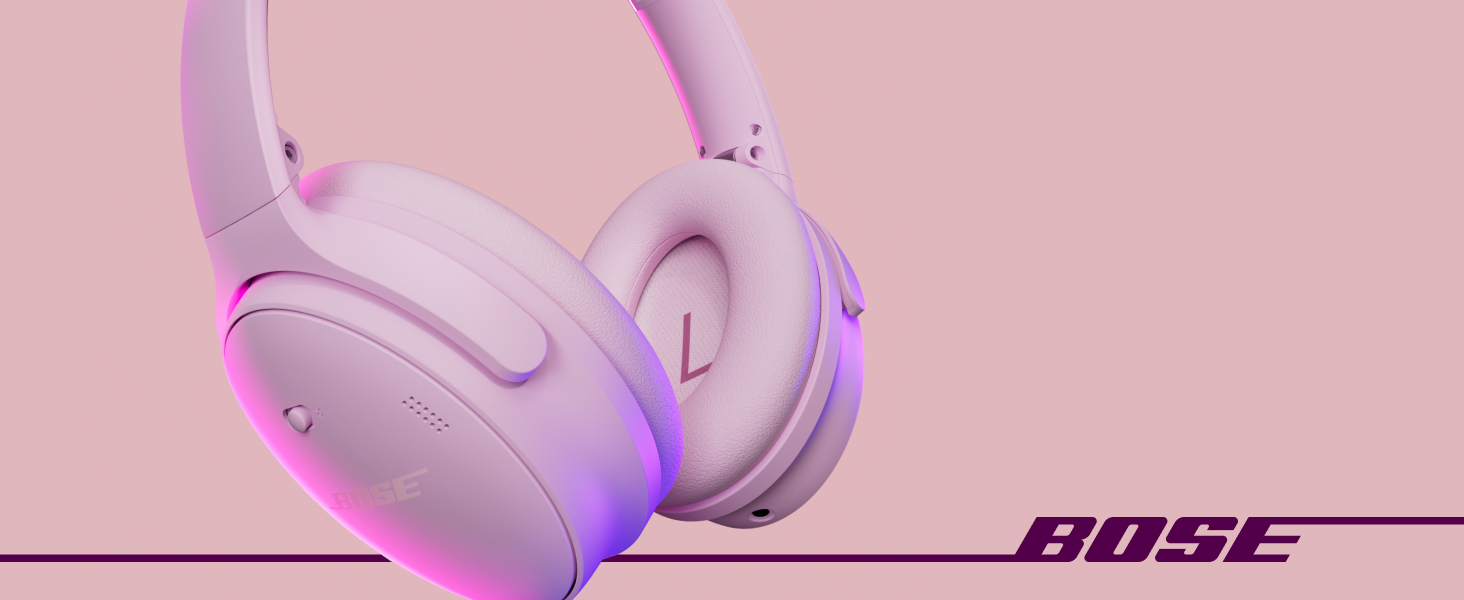
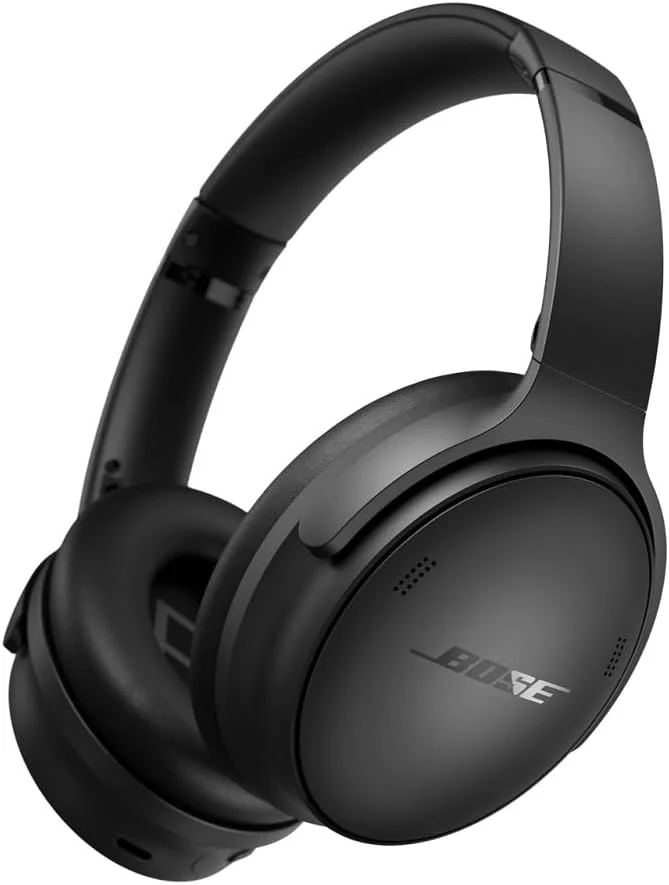
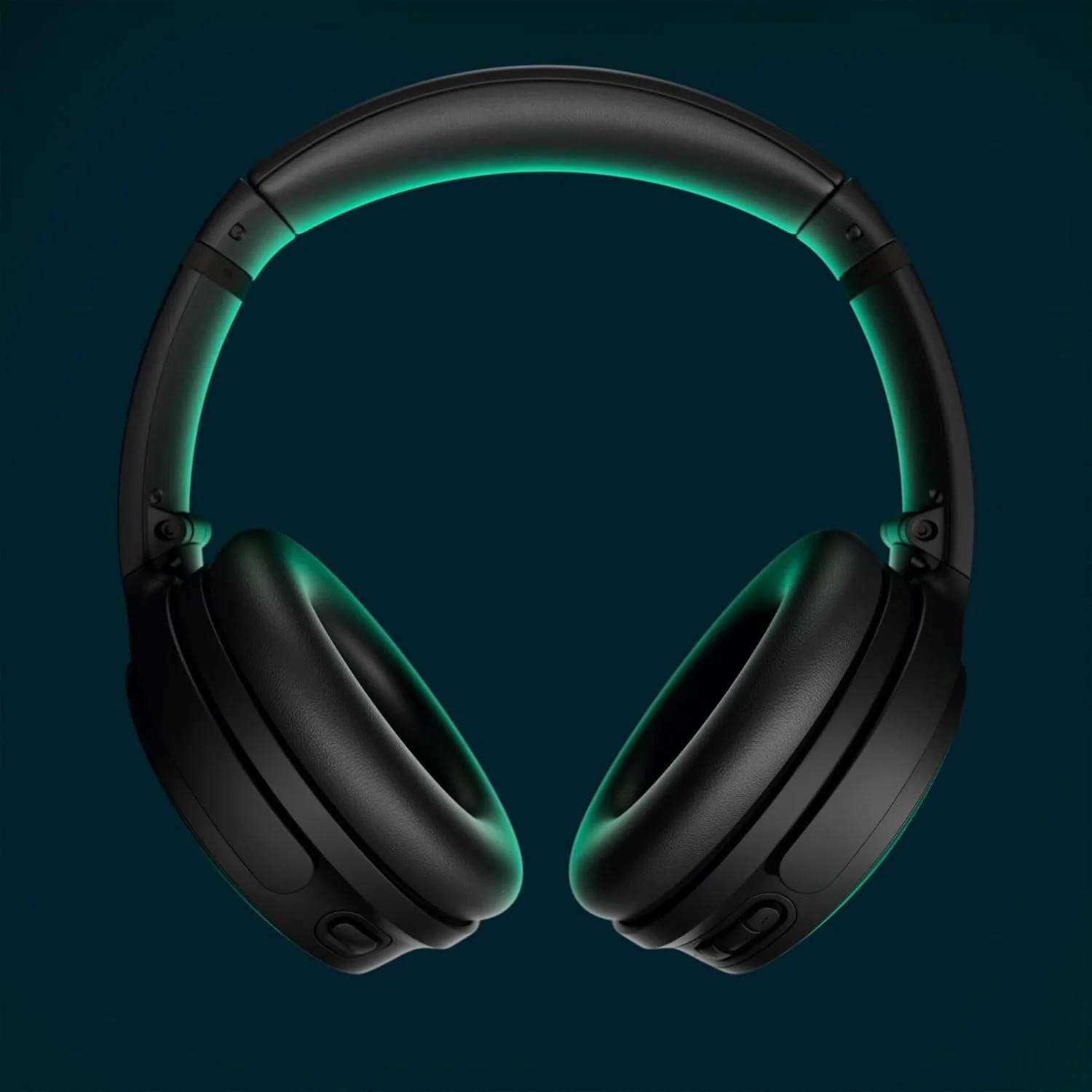
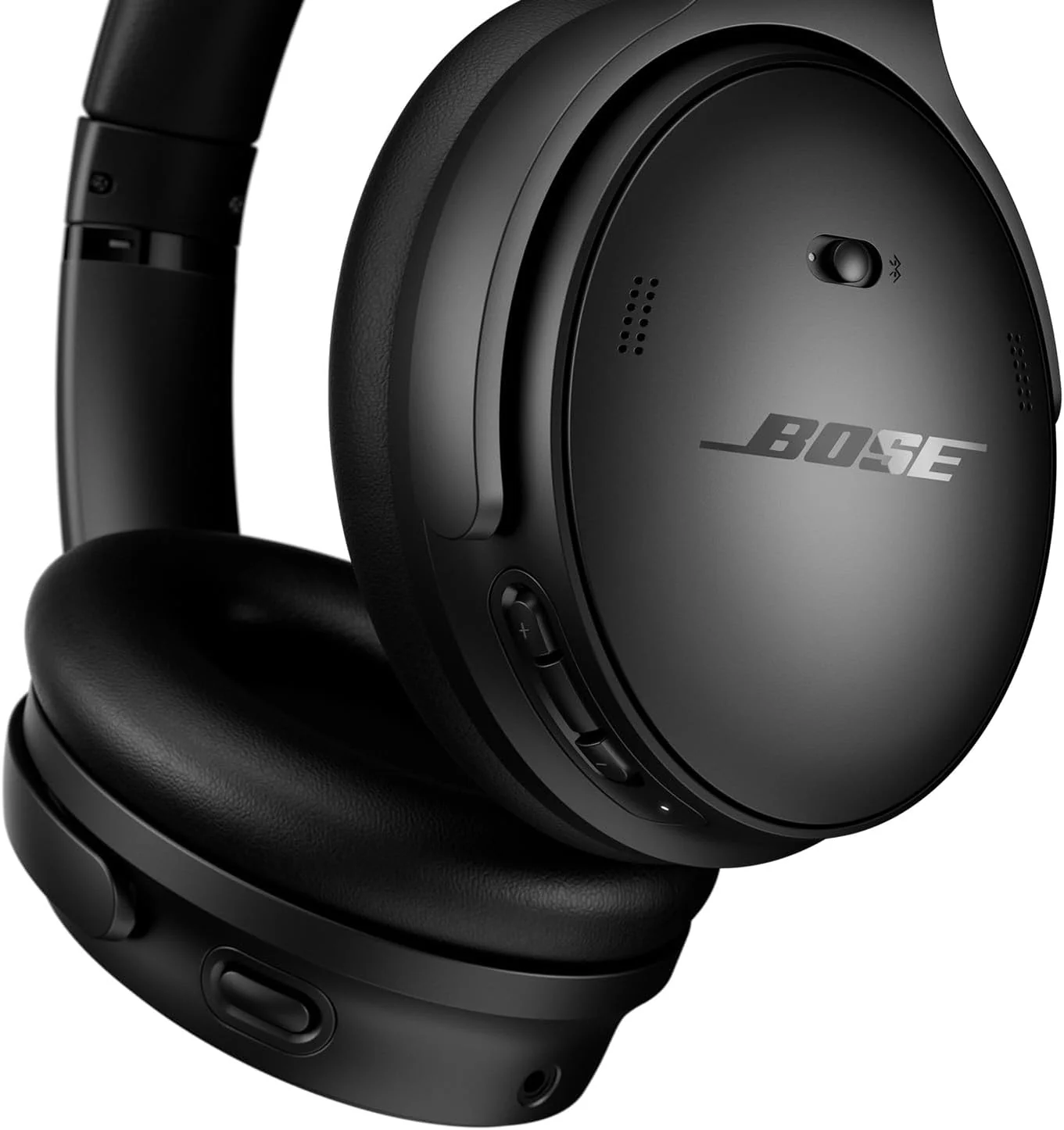
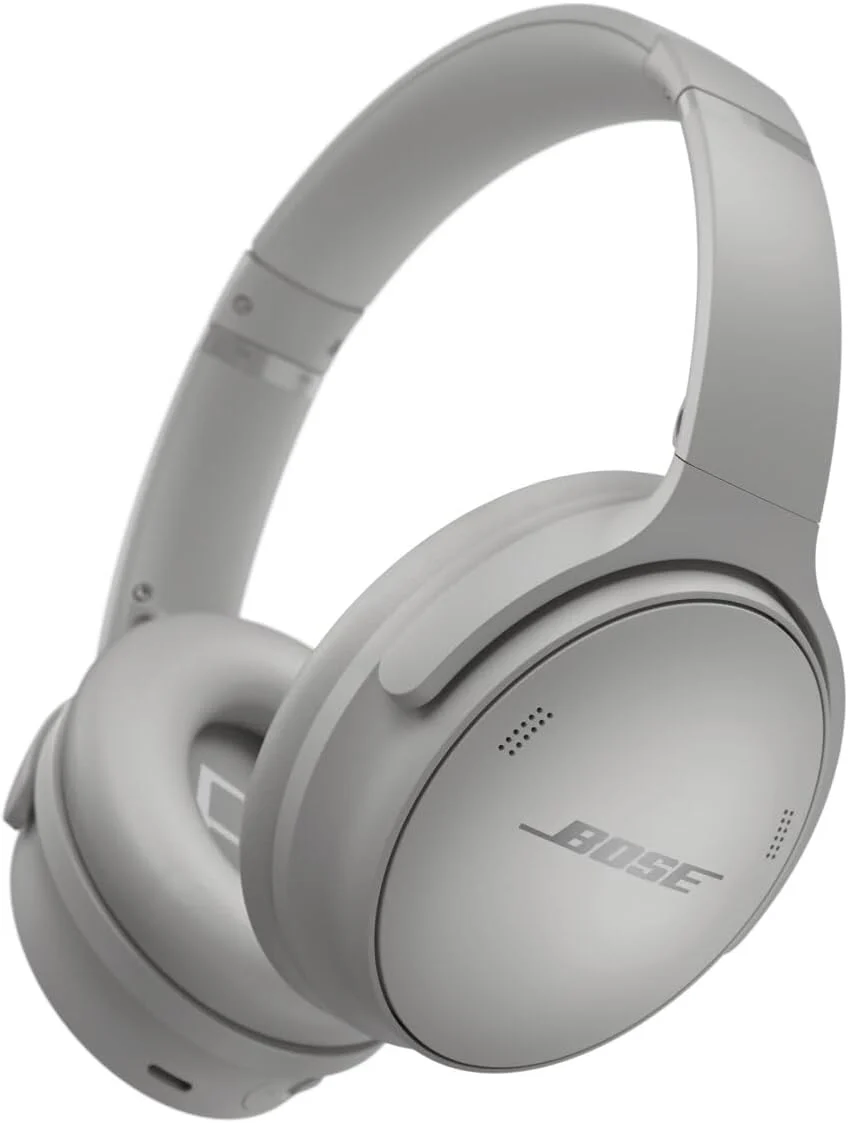
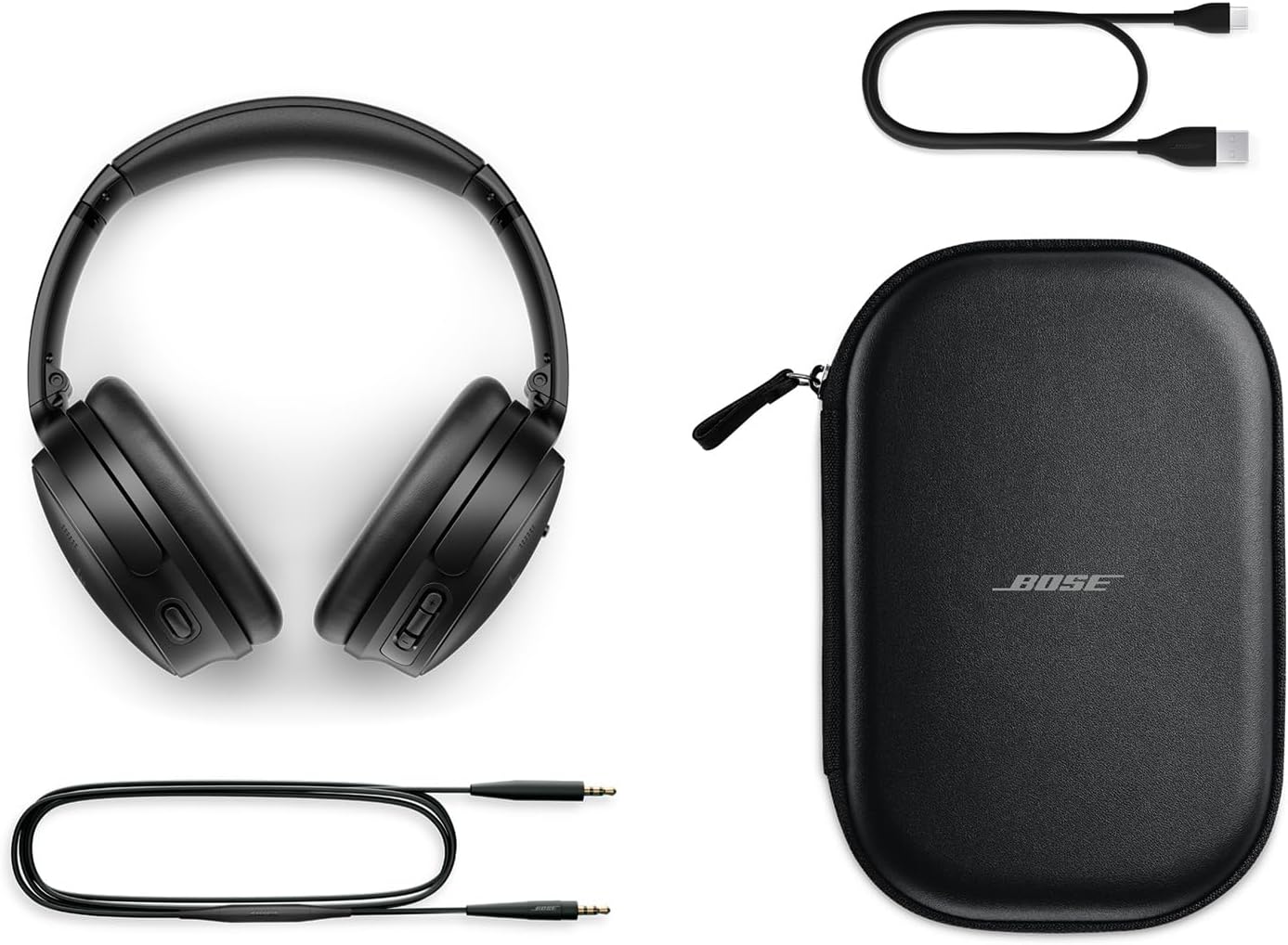
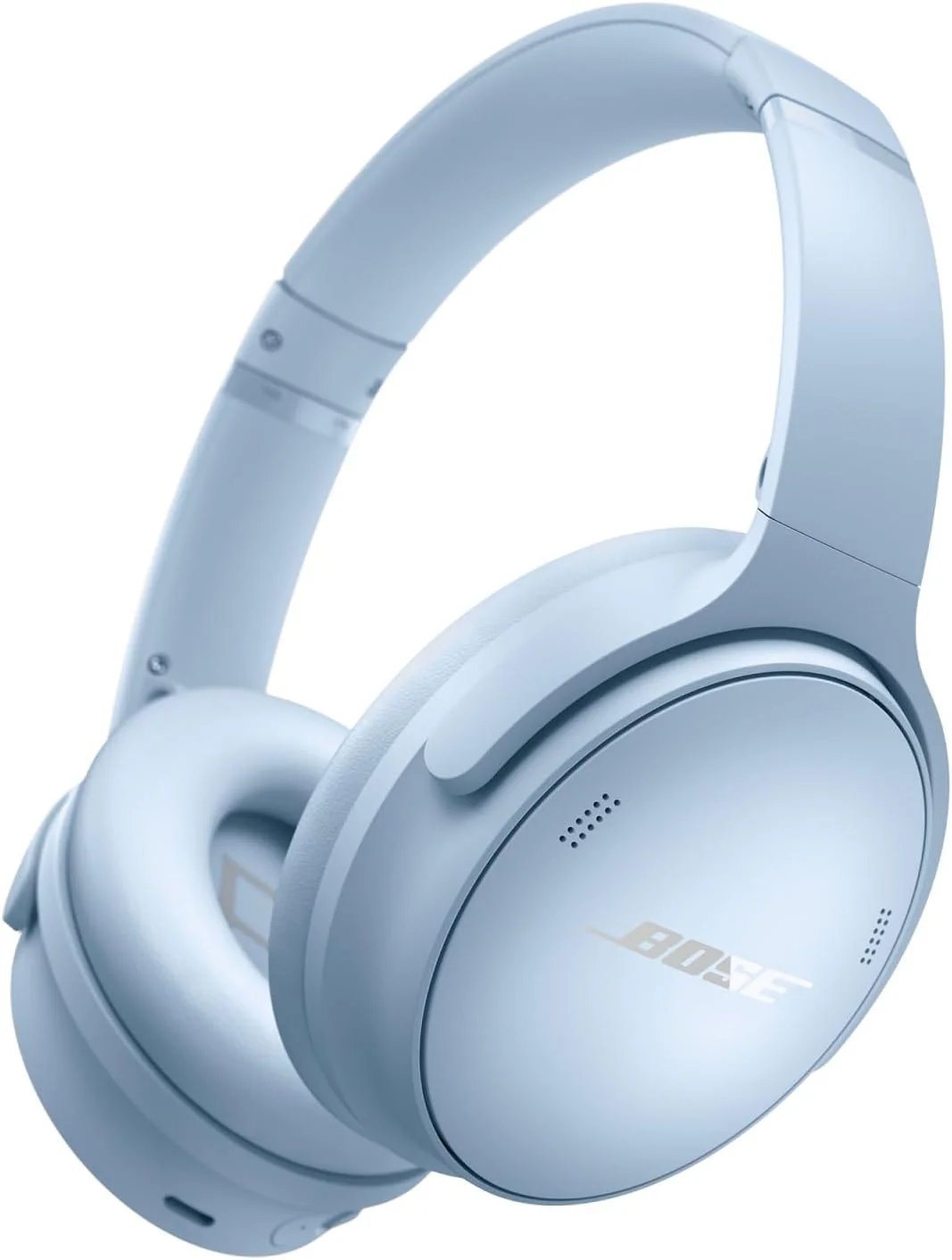
    Go beyond the beat and take control of the sound that puts you on top of the world with Bose QuietComfort Wireless Noise Cancelling Headphones. Experience powerful high-fidelity audio with legendary noise cancellation in these wireless Bluetooth headphones that allow you to block everything out but the beat and control what you hear. These Bose wireless headphones feature new custom modes that give you the power to adjust noise cancellation based in the moment and the option to turn on Wind Block to tune out breezy environments. Or simply toggle your Bose over ear headphones between Quiet and Aware Modes for a quick change when the world calls for it. Adjustable EQ puts you in control of tuning your music and Spotify Tap starts your listening session at the push of a button on the side of the over the ear headphones. With up to 24 hours of battery life on a single charge, your Bluetooth headphones are ready for any adventure. Multi-point toggle lets you switch between multiple wireless connections on these around ear headphones without disconnecting and reconnecting each time. Plug in the optional audio cable with in-line microphone into these wireless headphones to make the headphones wired and use without a Bluetooth connection. The Bose Music app guides you through setup, lets you personalize settings, and keeps your headphones software up-to-date. Press play and take charge of your music with Bose QuietComfort Noise Cancelling Headphones.

  • Customer Reviews
    No comments